Image Image Dark
Image Image Dark

How Breezee Works

Get your hospitality experience up and running in just four simple steps

How It Works

From Dashboard to Guest TVs in Minutes

Configure your branded guest experience with our intuitive dashboard. No IT department needed.

127+ Hotels Live
Setup in 2hrs
58% Fewer Calls
Complete all 4 steps today
1 2m
Step One

Register Account

Create your Breezee account to access your dashboard.

Instant access
2 5m
Step Two

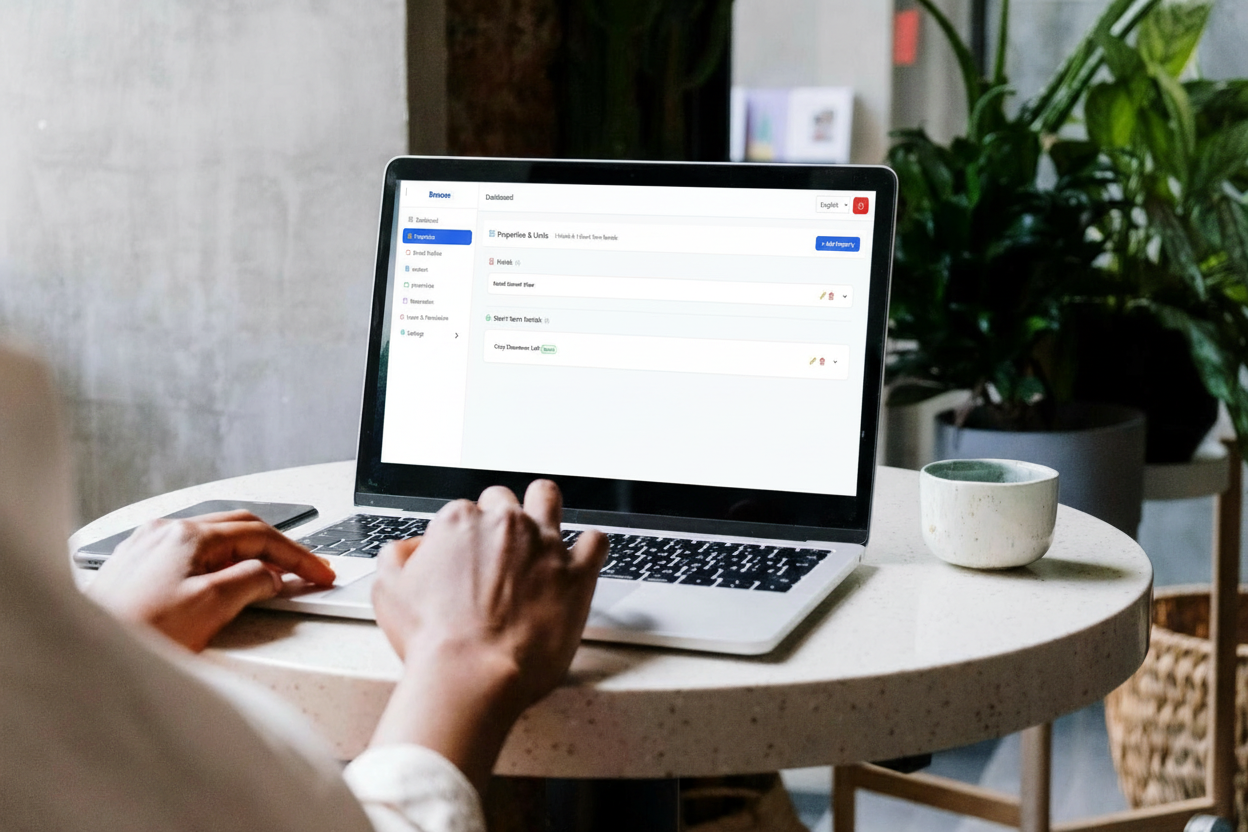
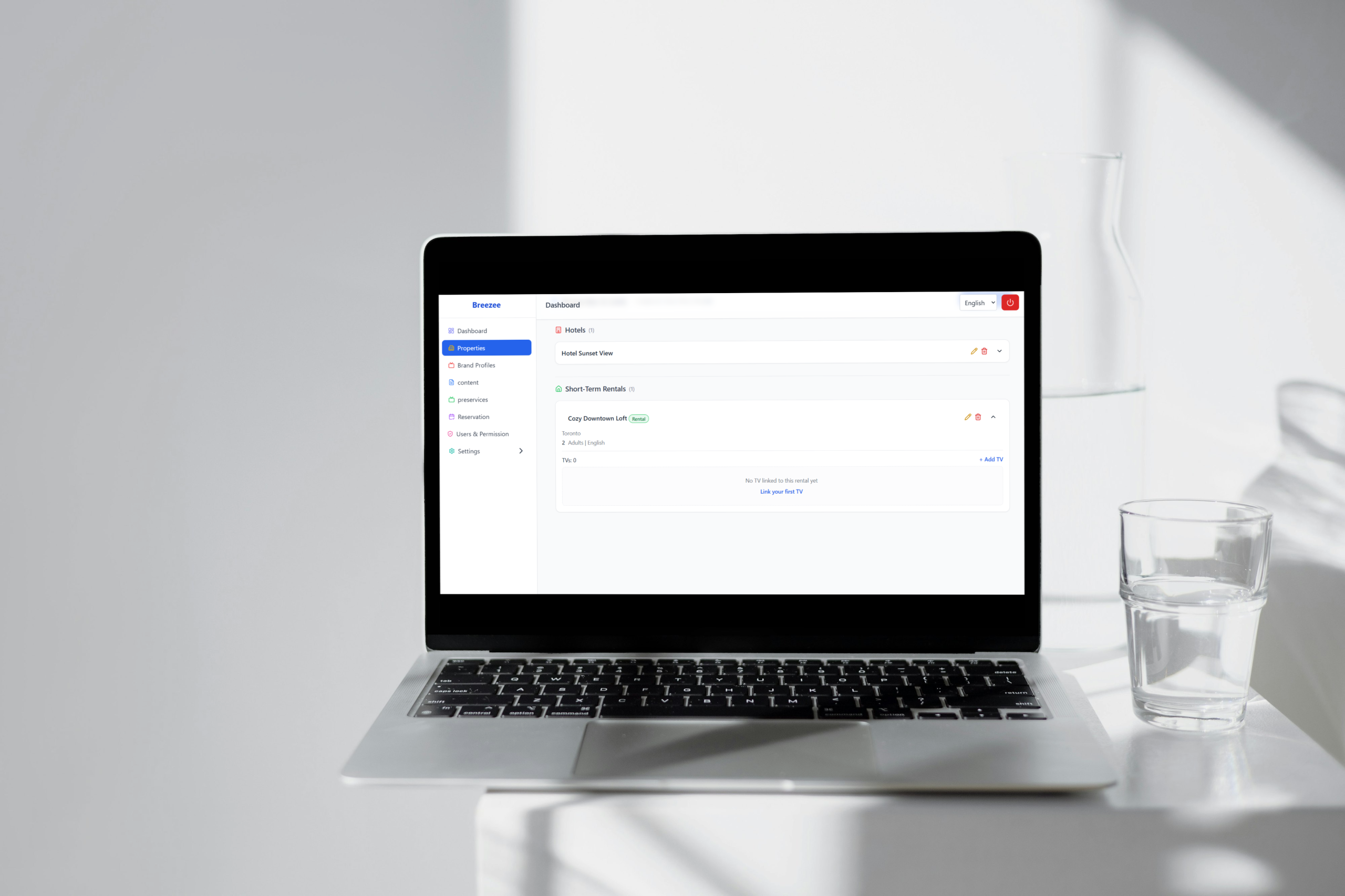
Configure Properties

Add property → Create brand profile → Setup content → Link profiles together.

Fully branded experience
3 3m
Step Three

Connect Television

Link your hospitality devices to manage content across all properties from one platform.

Centralized control
4 5m
Final Step

Install App on TV

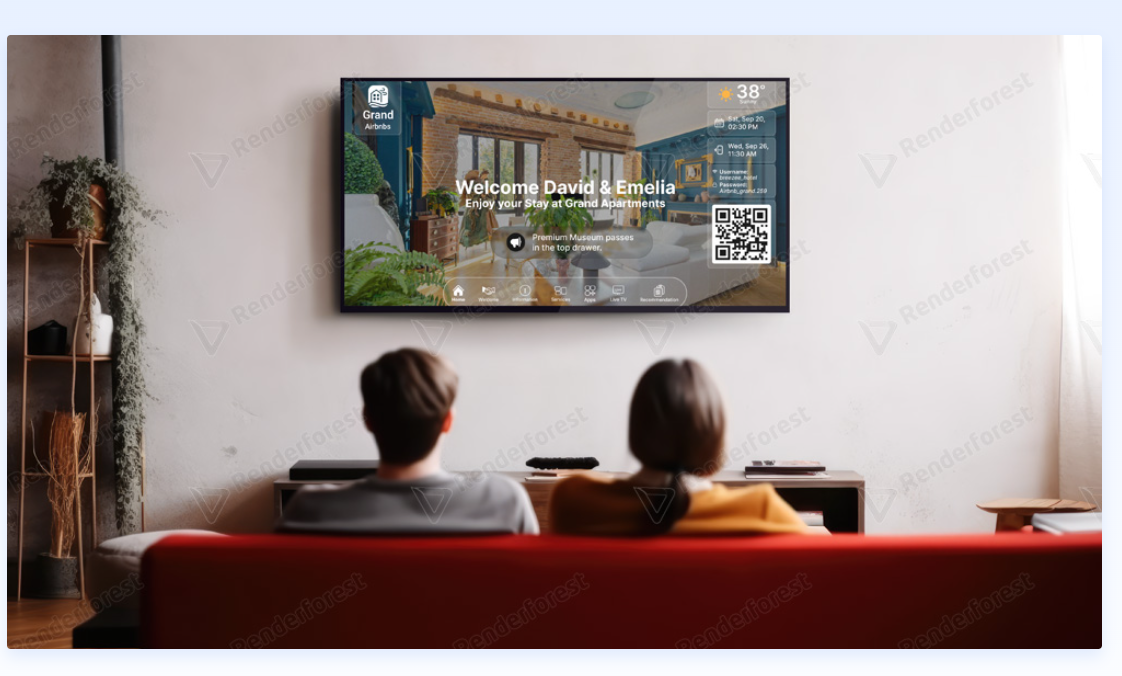
Download Breezee app on your TV. Auto-syncs with your account to deliver content to guests.

You're live!
Register Account
Configure Properties
Connect Television
Install App - Go Live
🎨 Drag & drop
Live preview
Step 1 - Register Account
🔒
Your Data Stays Private
Bank-level encryption. We never share your details.
↩️
Edit Anytime
Change content in dashboard—syncs instantly to all TVs.
💬
Human Support Ready
Our team responds in under 2 hours.

FAQ's

  • What devices does Breezee.tv work with?

    Breezee.tv is built for Android and Fire TV and similar smart TV platforms. It works with most modern smart TVs and can be installed via a small Android TV box like Onn or Fire Stick if your existing TVs aren't compatible. We handle all the technical requirements.

  • Do I need technical expertise to use Breezee.tv?

    No. Breezee.tv is designed for hotel managers, not developers. Everything is managed through an easy-to-use dashboard where you can update content, change offers, and customize screens without any coding knowledge.

  • How do guests access the digital guidebook?

    The guidebook is front and center on the TV home screen. Guests use their remote to navigate through categories like Amenities, Check-out Info, Amenities, and more. Everything is organized intuitively for easy browsing.

  • Do guests need an app to use Breezee.tv features?

    No. Guests use the TV remote for everything on the screen. QR codes connect them to external services on their phones, but there's no mandatory app. Simple and contactless—the way guests prefer.

  • How much revenue can we expect from upselling?

    Hotels and Vacation Rentals using TV-based upselling report a 15% increase in ancillary revenue per stay. Results vary by property size and offer strategy, but most see immediate impact. We'll help you optimize offers based on your guest data.

  • How often can I update content on the TVs?

    As often as you want. Update your content anytime through the dashboard—changes appear on all TVs instantly. No reprinting, no delays. Change restaurant hours, add new offers, or feature new amenities immediately.

  • Is guest data secure? What about privacy?

    Absolutely. We use enterprise-level encryption and comply with GDPR, CCPA, and hospitality data standards. Guest data is only used for personalization within your property—never shared with third parties.

  • What if guests don't understand how to use it?

    It's designed to be intuitive. Most guests figure it out immediately—the interface is similar to their home TV. Plus, you can add on-screen tips or train staff to give quick orientation.

Design amazing digital experiences that create more happy in the world.

Breezee © 2026, All rights reserved.